
Plutio Files
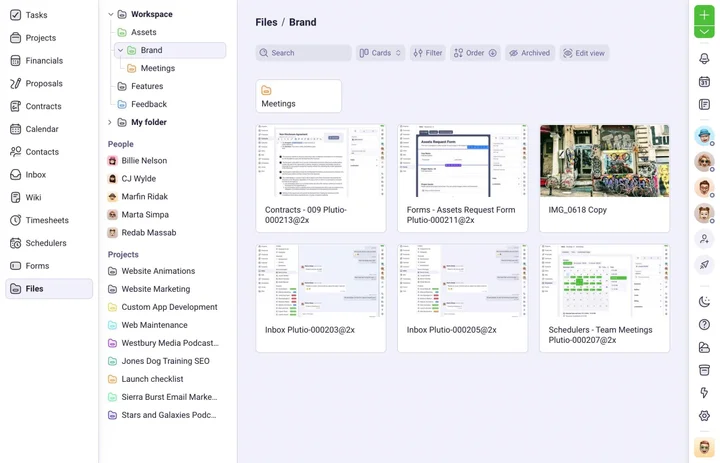
One place for all your folders and files
Never lose a file again, and keep everyone on the same page with digital asset management that just works.


Why Plutio Files?
Your files should live in the same place your work does
Stop wasting time losing, finding, sharing, and requesting files. Never misplace an important file again with file management directly integrated with your work.
Integrated
Your files are connected with their projects, clients, tasks and more.
Intuitive
Store and share files with anyone even if they don't have an account.
Powerful
Preview images, videos, sheets, documents and more in app.
Secure
Your files are stored safely and accessible from anywhere.
Intuitive
Your files and work are a match made in Plutio
Life is hard enough without endlessly searching for files when you're trying to get work done. Keep everything stored where it makes sense and accessible from anywhere.
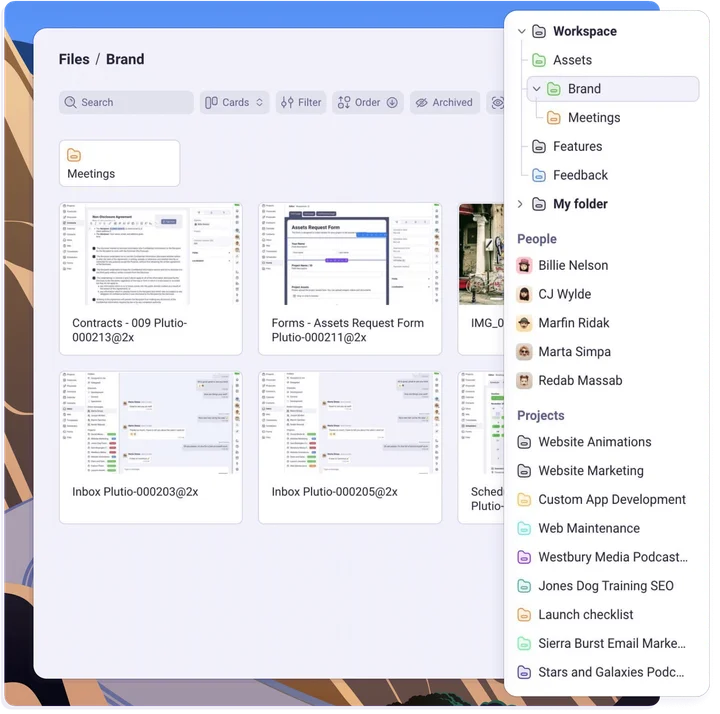
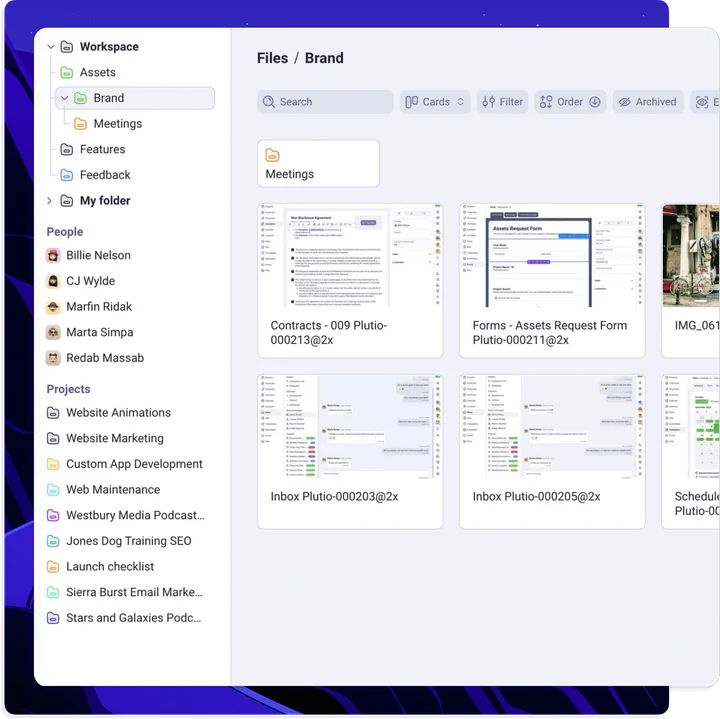
Project folders
Every project has a main folder with all project assets securely stored.
People folders
Everyone has their own folder for all assets related to them and you.
Workspace folder
Store and manage brand assets, media and more from the main directory.
Uploads folder
Automatically store uploads in a centralised folder and reuse them with ease.
Collaborative
Less share and requesting and more working
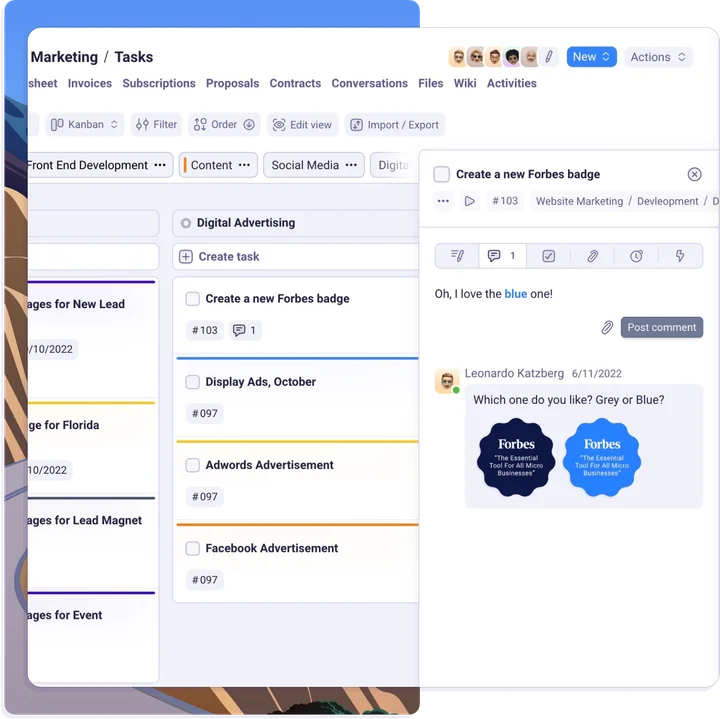
Keep folders private or share them and collaborate with others through public views, custom permissions, conversations and comments.
File comments
Collaborate with others through real-time commenting on any file.
Converstions
Drag and drop images, videos and documents into any conversation.
Attach from email
Attach files to tasks and comments directly from your email.
Public views
Share folders publicly and make them accessible by anyone.
Powerful
Streamline your document workflow
From file approvals and custom fields to built-in documents editor and preview - everything you need to store, manage and share files in one place.
Documents
Create, edit and collaborate on documents with our built-in feature rich text editor.
Previews
Preview files in-app without having to download or open them in another tab.
Approvals
Create custom fields and request client approvals on files and documents.
Custom fields
Create custom fields to add more details to files such as links, dates and ratings.
Ready to get started?
Plutio Files come with the Plutio Suite
No credit card required

More features
Make managing your files a breeze with powerful tools
From integrations and automations to reusable files and advanced permissions, Plutio FIles comes with the functionality you need to ditch your old system for good.
Permissions
Include or exclude anyone from any folders, projects, or files with customizable access.
In-app files preview
Preview presentations, spreadsheets, documents, and videos, all without having to leave Plutio.
Public file links
Share folders and files with anyone by generating public links accessible without logging-in.
built-in documents
Write content quickly using slash commands for images, tables, headers, lists, and more.
Reusable assets
Upload your files one time and use them across your workspace, in proposals, invoices, wikis, and more.
Powerful API
Integrate and automate Plutio Files with anything, using Plutio's robust and well-documented API.
Frequently Asked Questions
Can I sync my files to my desktop?
While Plutio Files doesn't have built-in desktop syncing, you can use our API to automatically back files up to your desktop.
What is Plutio Files?
Plutio Files is Plutio's built-in file-management system that lets you attach files to anything in Plutio and organize them in folders.
How can I restrict access to files?
Access to files is controlled from their location, whether that's a folder, project, or task, and within the files themselves.
Is there a limit to the amount of files I can store?
No, store as many files as you want.
Is there a limit to files sizes?
By default, files are limited to 100 MB per file. If you need to store larger files, you can upgrade to increase the file size limit to 1 GB.
Can I use Plutio Files as cloud storage?
Plutio Files is intended to be used to give everyone access to files needed to do their job.
