
Plutio Tasks System
Simple yet powerful task management
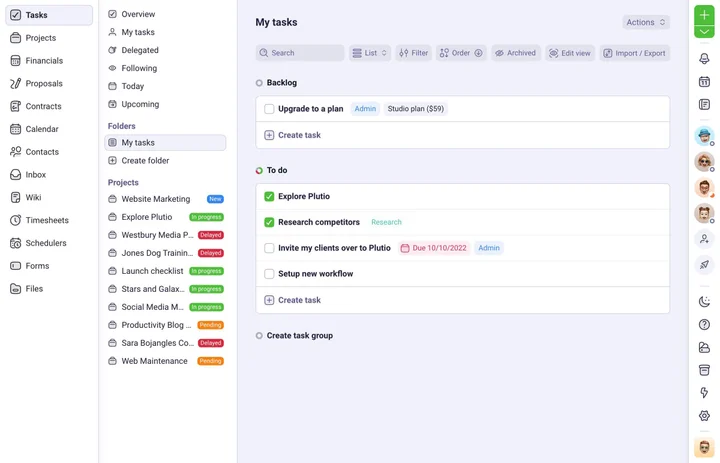
Create tasks for whatever needs to get done or keep track of, and Plutio will automagically keep you organised so you can stay focused.


Why Plutio Tasks?
All the tools you need to effortlessly get things done
Never lose sight of what's on your plate again with a task management system that effortlessly keeps you organised and on track.
Easy
An easy-to-use interface makes getting started quick and painless.
Smart
Pull tasks from multiple projects, filter, sort and group them.
Visual
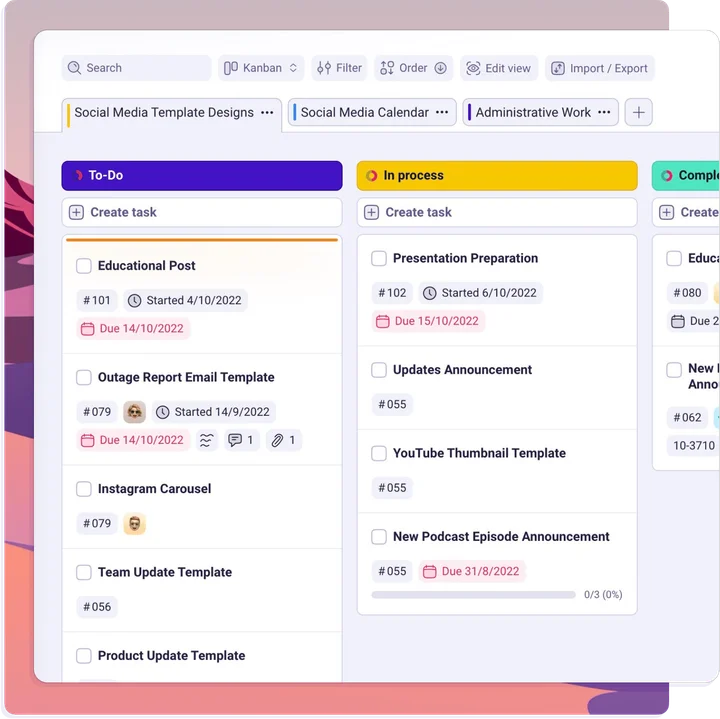
View tasks in a simple list, kanban, timeline or even a calendar.
Flexible
Add custom fields, set color tags, add cover images and more.
Powerful
Create goals and keep track of your progress
Set deadlines and work down your list. Know what's overdue, what's next, and how many tasks you have on your plate. Create one off-tasks or recurring tasks with ease and add comments, files, checklists and more.
Recurring tasks
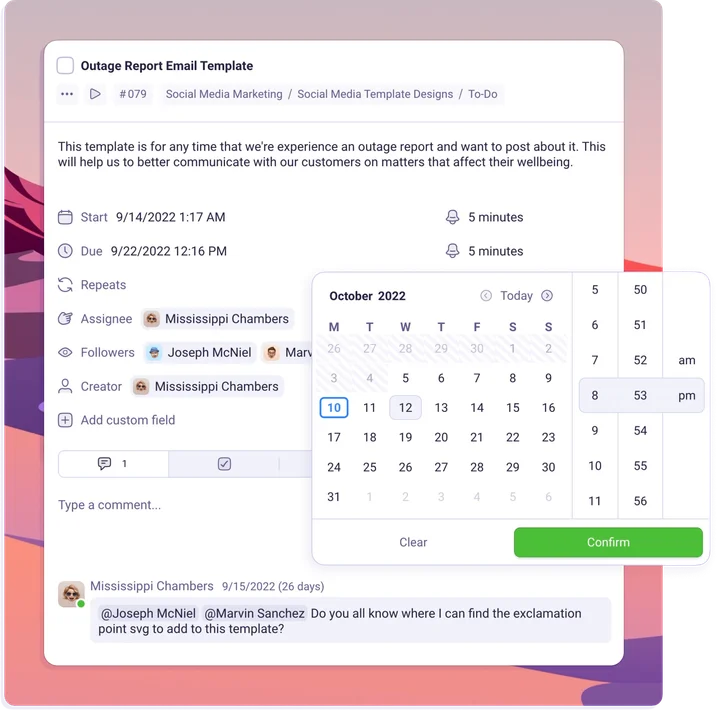
Automatically repeat or duplicate tasks on a schedule that makes sense for you: daily, weekly, monthly, or something else entirely.
Reminders
Get gentle reminders of what you need to do through the channel you prefer - email, push, or browser notifications.
Subtasks
Breakdown big tasks into smaller pieces with subtasks and stay on track with a progress bar.
Actionable dates
Set start dates and due dates on tasks so you never miss getting things done on time.
Collaborative
Get things done together or apart
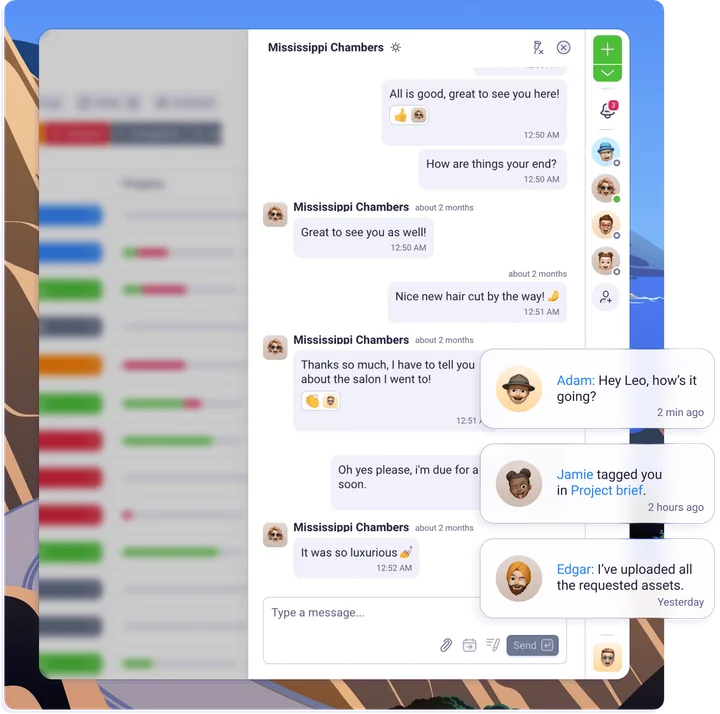
Make collaborating remotely feel like second nature with intuitive communication features like task comments and ability to create tasks from conversations.
Task comments
Comment on any task with rich text, images, tables, and more.
Mentions
Tag anyone in task descriptions or comments to get their attention.
Permissions
Keep everyone focused by showing them only what they need using user permissions.
Notifications
Everyone will always be up to date with instant email and push notifications.
Productivity focused
Boost your productivity
Plutio is designed to help you stay focused by working your way. Create your very own workflow and structure using custom fields, views, and more.
Task folders
Create private task folders for your goals, trips, leads and even for your shopping list.
Task templates
Get a jump start with templates that have predefined subtasks, timelines, assignees, documents and more.
Attachments
Easily attach as many files and documents as needed to tasks.
Multi-views
Visualise tasks in a list, cards, table, timeline or even a calendar.
Ready to save time and money?
Plutio Tasks comes with the Plutio Suite
No credit card required

More features
Take your productivity to a new level
Increase your productivity and start enjoying your work again with tools that make finishing tasks simple and fun.
Color Tags
Organize your tasks by color so you can stay organized.
Subtasks
Use checklists or subtasks to break your tasks into smaller pieces.
Mentions
Tag anyone within tasks to notify them of your updates.
Drag-and-Drop Tasks
Intuitively move tasks around task boards with drag-and-drop editing.
Timelines
Create visual timelines for your tasks in just few minutes.
Multi Task Boards
Use any number of task boards within any project to organize your projects to their max.
Frequently Asked Questions
Does Plutio Tasks do Pomodoro?
Because Plutio comes with time tracking built in, you can easily use the Pomodoro productivity method with Plutio. We even have time trackers built in.
Does Plutio Tasks work with Getting Things Done?
Yes - Plutio works with the Getting Things Done approach. No matter your work style, Plutio conforms to your needs.
How much does Plutio Tasks management app cost?
Plutio Tasks comes as part of the wider Plutio all-in-one business suite. To see our pricing, head to our pricing page, or schedule a demo to learn more.
